Connect the dots.
Shapes, arrows, text, and freehand drawing on an infinite canvas. Move, resize, group, and arrange ideas as they take shape.
 localdraft.
 STILLBOARD / VISUAL THINKING
A whiteboard for messy beginnings,
the big picture, and everything in between.
Just you and your next idea.
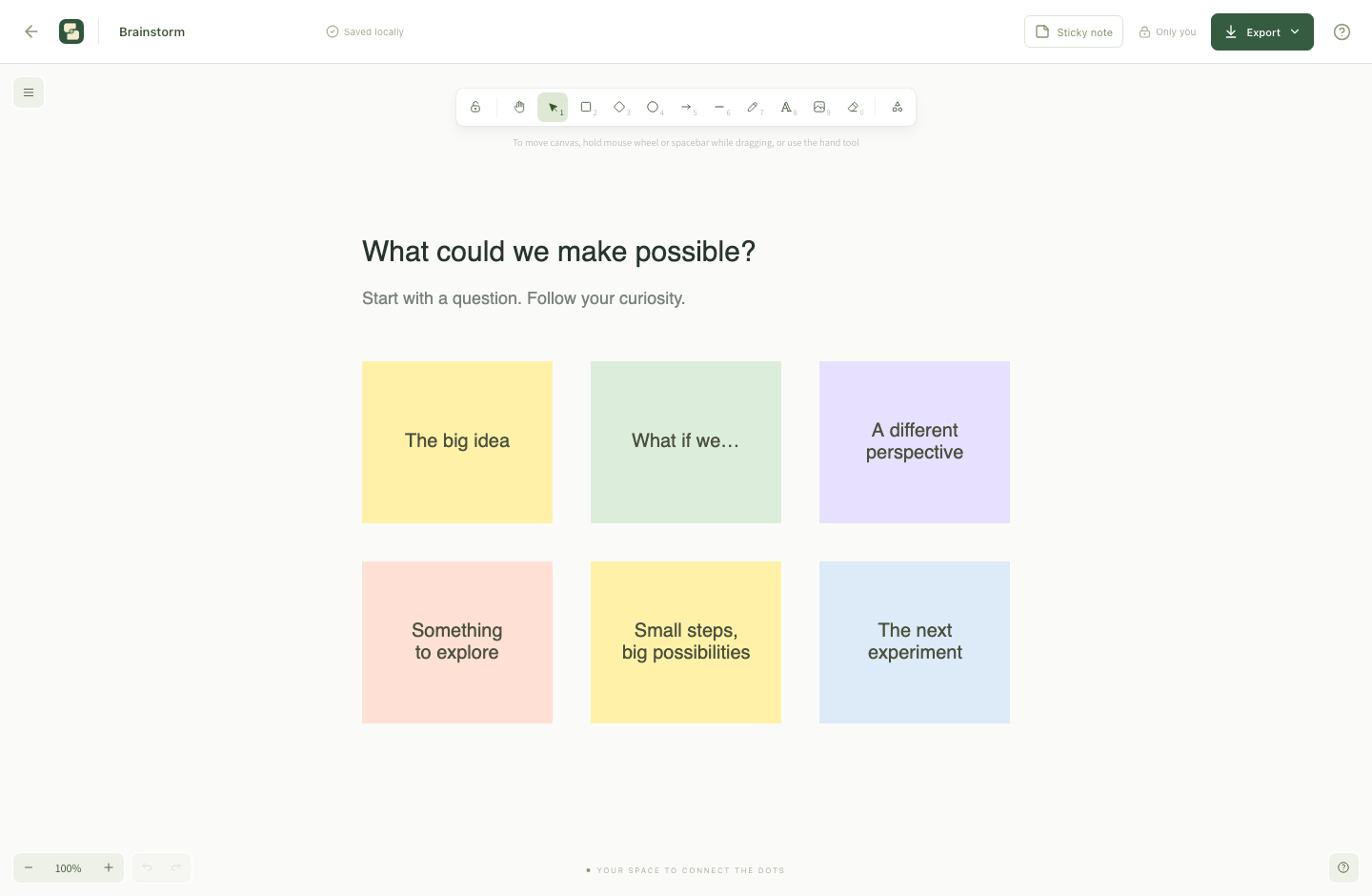
SPACE TO MAKE SENSE OF THINGS
Shapes, arrows, text, and freehand drawing on an infinite canvas. Move, resize, group, and arrange ideas as they take shape.
Add editable sticky notes and images. Start with a blank board, brainstorm, project planner, or flowchart template.
Create separate boards for separate thoughts. Rename, search, star, and duplicate them. Changes save automatically on your device.
Export the whole canvas or selected objects as PNG, SVG, or PDF. Save an editable board file with its images included.
YOUR NEXT IDEA STARTS HERE
Stillboard 0.1.0 for macOS 13 or later.
This download is for Apple Silicon Macs (M1 or newer).
Developer ID signed and notarized by Apple.
Open the Stillboard disk image from your Downloads folder.
Drag Stillboard to Applications, then eject the disk image.
Open Stillboard from Applications and create your first board.
A FEW THINGS TO KNOW
On your Mac, in ~/Library/Application Support/Stillboard/boards/. Export editable board files for portable backups. Uninstalling the application does not remove this separate data folder.
Yes. The editor, templates, local saving, and exports work offline. There is no account, cloud sync, or collaboration in this version.
A high-resolution image of your board on a single PDF page. Text is not selectable, and frames are not split into separate pages. Use SVG for scalable shapes and text, or a board file to keep editing.
Export a Board file from Stillboard, copy it to your other Mac, and import it there. Board files include images. Automatic sync is not available.
The earlier Markdown editor has been discontinued. LocalDraft is now a collection of desktop apps, starting with Stillboard. The new app does not import the old editor's drafts or Google Drive data. If your original browser still contains drafts, avoid clearing its site data and contact contact@tanbuilt.com for help with recovery.
This first release is for Apple Silicon Macs running macOS 13 or later. Intel Mac and Windows downloads are not available in this release.